AIEnhance.io
AI Enhancer

By uploading you agree to our Terms of Service and Privacy Policy

Online AI Image Enhancer

AIEnhance.io is the AI Enhancer that sharpens, upscales, denoises and restores any photo in seconds — powered by the same models pro studios use.

More than 2M+ users trust us

No signup required
24 free credits
No watermarks
Instant results

How the AI Enhancer Works in 4 Simple Steps

No learning curve. No complex settings. Just upload and let the Enhancer do the rest.

🖼️

Upload your image and watch the AI work

Try It Free →

Enhance Your Blog & Social Photos in Seconds

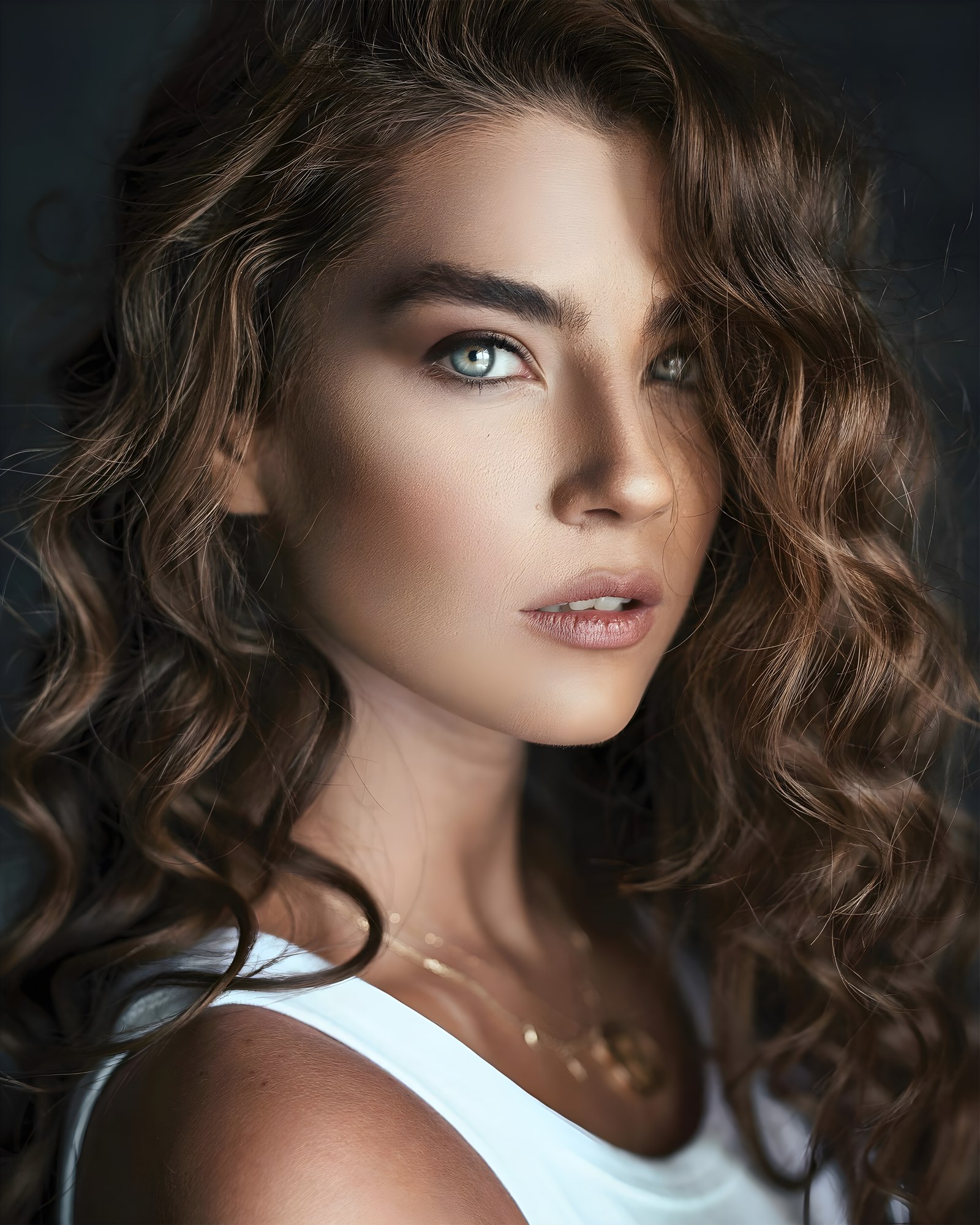
Sharpen blurry uploads, restore lost detail, and make every photo publish-ready. Drag the slider to see the difference.

Photo enhancement before and after — before
Photo enhancement before and after — after
Before
After

What Makes Our AI Enhancer Different

Six specialized Enhancer modes, each built for a specific challenge — not a one-size-fits-all filter.

1

Upscale to Crystal-Clear 4K

Turn any low-res image into a sharp, detail-rich 4K photo. The Enhancer's Real-ESRGAN model reconstructs fine textures that standard upscalers simply guess at.

2

Remove Noise & Haze Intelligently

Say goodbye to grainy night shots and washed-out haze. The AI identifies and removes noise patterns while keeping actual photo detail intact.

3

Restore Natural Color Depth

Faded scans and flat phone photos come alive again. The enhancer recalibrates tone curves and color balance for results that look professionally graded.

4

Clean Up AI-Generated Images

Warped fingers, melted text, and uncanny faces are no match for our correction pipeline. Feed it your AI art and get back a polished, publish-ready file.

HD Upscale

Push Resolution to 4× — Without Losing a Single Detail

Standard upscalers just stretch pixels. The AIEnhance.io AI Enhancer reconstructs the texture and edge information that was never captured in the first place — using Real-ESRGAN, a model trained on millions of high-quality image pairs.

The result is a photo that not only looks bigger, but genuinely sharper. Fine detail in fabric, hair, foliage, and architecture all benefits from the Enhancer's reconstruction pass.

Try HD Upscale →
Upscale factorUp to 4×
Face restorationGFPGAN v1.4
Noise reductionIntelligent
Output formatFull resolution
Processing time< 30 seconds

Trusted Results from Real Users

From family photos to commercial projects — here is what people are actually saying about our AI Enhancer.

★★★★★

"I had a box of scanned family photos from the 80s — low resolution and faded. AIEnhance.io brought back colors and sharpness I had completely given up on. Took under a minute per photo."

Marcus T.

@marcus.retro

★★★★★

"My product photography looked amateur next to competitors. After running everything through HD Upscale mode, my listings look like they were shot in a studio. Sales went up noticeably."

Priya N.

@priya.ecommerce

★★★★★

"I generate a lot of AI concept art for clients. The AI Correction mode fixes distorted hands and textures in seconds — saves me hours of manual touch-ups in Photoshop."

Leo K.

@leo.designstudio

The AI Enhancer That Fixes Photos in One Click

AIEnhance.io is an online ai photo enhancer that takes a low-quality image and returns a clean, sharp version of it in seconds. Drop in a phone shot, an old scan, a screenshot or a film camera frame. Pick a mode. The ai enhance pipeline handles the rest.

No software to install, no Lightroom subscription, no manual sliders to nudge for an hour. The whole thing runs in your browser, on a Macbook, a Windows laptop, an iPhone or an Android phone, with the same flow each time. Upload, wait three to ten seconds, get the enhanced file.

The output you get is full resolution, no watermark, no quality compression on download. People use the ai image enhancer for old family photos that need restoration, for product shots that need sharpening before going on a marketplace, for portrait photography that needs colour balance and skin clean-up, and for AI-generated images that arrived blurry or with weird artefacts. All of those are handled by the same six modes inside the same workflow.

Built for Real, Messy Photos, Not Stock Demos

Most enhancer tools look great on demo content that was already shot well. The interesting cases are not those. The interesting cases are the messy real ones: phone photos taken indoors with bad light, scanned prints from the 80s and 90s with cracked surfaces and faded colour, group shots where two people are in focus and three are not, AI generations with hallucinated fingers and warped text.

The ai enhancer here was tuned around those edge cases, not the showroom kind. Upload a sunset portrait and the AI Correction mode rebalances the shadows without flattening the highlights. Drop in a faded film scan and Restoration mode reconstructs faces, hair, fabric weave. Throw in a product shot taken on a phone in artificial light and Balanced mode handles the white balance, noise and edge sharpening together.

The output quality is what you would get from a skilled retoucher spending fifteen minutes in Lightroom on the same file. Manual work takes fifteen minutes. This takes three to ten seconds. For anyone who edits more than two photos a week, that difference compounds into hours saved every month.

Full Resolution Output, No Compression, No Watermark

The file you get back from the ai photo enhance pipeline is the same resolution as the file you uploaded. If you sent a 4K shot, you get a 4K result, not a downscaled preview locked behind a paywall. HD Upscale mode actually goes further, multiplying input dimensions by four for print-ready output.

Nothing the ai image enhance pipeline returns is compressed beyond the JPEG quality you would expect from a professional pipeline. There is no signature embedded in the corner. There is no watermark in the centre. The image is yours to use commercially, post on social media, print at A3, send to a client or upload to an e-commerce platform.

The model that powers the enhancer is the same family of generative networks (Real-ESRGAN, GFPGAN, SDXL where relevant) used in commercial production pipelines, so the result you get is technically competitive with anything you would pay $9 to $20 a month for elsewhere.

Photo Problems the AI Enhancer Fixes Automatically

Some image problems are obvious: low resolution, blur, noise. Others sneak in without you realising. A sensor smudge from a phone case. Slight motion blur on a candid shot. White balance drift under mixed indoor lighting. JPEG compression artefacts from a forwarded photo. Faded contrast on a scanned print from the 80s. When you enhance image with ai, the pipeline detects and corrects most of those automatically inside the same pass.

Specifically, the ai enhance flow tackles a long list of common issues at once. Sharpening soft edges. Reducing noise and grain. Reconstructing texture lost to JPEG compression. Rebalancing colour temperature. Brightening shadows without crushing the highlights. Removing motion blur where the subject is still mostly recoverable. Smoothing skin without over-processing. Sharpening eyes and lips in portrait shots. Restoring colour in faded scans.

What you do not have to do is identify which problem is in your image. You do not have to pick the right combination of sliders or remember which tool fixes which artefact. The ai photo enhance model looks at the whole frame, decides what needs fixing, and applies the corrections in a coordinated way that manual editors find difficult to match at speed. For most uploads the output quality is what a skilled retoucher would produce after ten to fifteen minutes of careful work. For the rare cases where the AI is too aggressive or too conservative, switching modes (Balanced versus Strong versus AI Correction) usually solves it on the next attempt.

What People Use Our AI Image Enhancer For

The use cases cluster around a few archetypes. Some are obvious, some take a few minutes to recognise.

  • Personal: restoring old family photos before they fade further, cleaning up smartphone selfies for a profile picture, rescuing blurry travel shots from a humid afternoon, prepping a portrait for a CV or a LinkedIn update.
  • Ecommerce: sharpening product photos shot quickly on a phone before listing them on Etsy, Shopify, Amazon or eBay, correcting white balance on jewellery and fabric, upscaling small supplier photos to 4K for hero banners.
  • Content creation: tidying up screenshots before publishing a tutorial, rescuing stills from low-light video frames for thumbnails, restoring old archive photos for a documentary cut.
  • Print and design: prepping a hero banner for a freelance project, sharpening a magazine cover from a small source file, enlarging a logo for billboard mockups.
  • AI clean-up: fixing fingers, eyes and text on Midjourney or Stable Diffusion outputs before they ship, harmonising colour in generated character art, polishing concept renders.

Across all of these the value is the same. Get acceptable, often excellent, quality output in seconds, without paying a monthly subscription, without learning a desktop tool, without exporting in five different formats.

How It Compares to Manual Photo Editing

Manual photo editing in Lightroom or Photoshop produces beautiful results when done by a skilled retoucher. It is also slow, expensive in subscription cost and time, and unfeasible at any kind of scale. The ai enhance approach is fundamentally different. Instead of asking you to fix each problem with a separate tool, the AI looks at the whole image, identifies what needs fixing, and applies a coordinated set of corrections at once.

The output is often indistinguishable from a manual edit at 1080p and below. At higher resolutions a brief retouch sometimes sharpens the result further but is rarely required. The cost difference is the real story. Manual editing for ten photos takes one to three hours at a freelancer rate of $30 to $60 an hour. Running the same ten photos through this ai photo enhancer takes one to two minutes and ten to twenty credits, well within the free tier.

Privacy, Infrastructure, No Stored Uploads

Uploads are processed in memory on our Railway infrastructure and discarded the moment the response is sent back to your browser. No copies are saved. No uploads are logged in a way that captures image content. The image data is never fed into training datasets, never sold to third parties, never used to improve the model.

That matters for sensitive content. It matters for client portraits under contract, for product photography under NDA, for personal photos that should not end up in a vendor database. If you need an even higher privacy bar, you can self-host an open model like Real-ESRGAN or GFPGAN locally, but that requires installing Python, configuring CUDA drivers and maintaining the runtime, which is the kind of work most people would rather not take on.

For those people, this online ai enhancer offers the same level of privacy you would get from a local install, without the maintenance overhead. Container handles the request, returns the enhanced image, upload buffer is garbage-collected on the next request cycle.

Common Questions Answered

Everything you need to know before you upload your first image.